Read. Edit. Split tracks. Put a band in your pocket.
TakeAndJam is a music practice tool built entirely around your device. Recognize numbered notation from a photo and transpose it, separate audio with AI, play along with multiple instruments, tune precisely and keep a steady beat—wherever you are, whenever a new song calls.
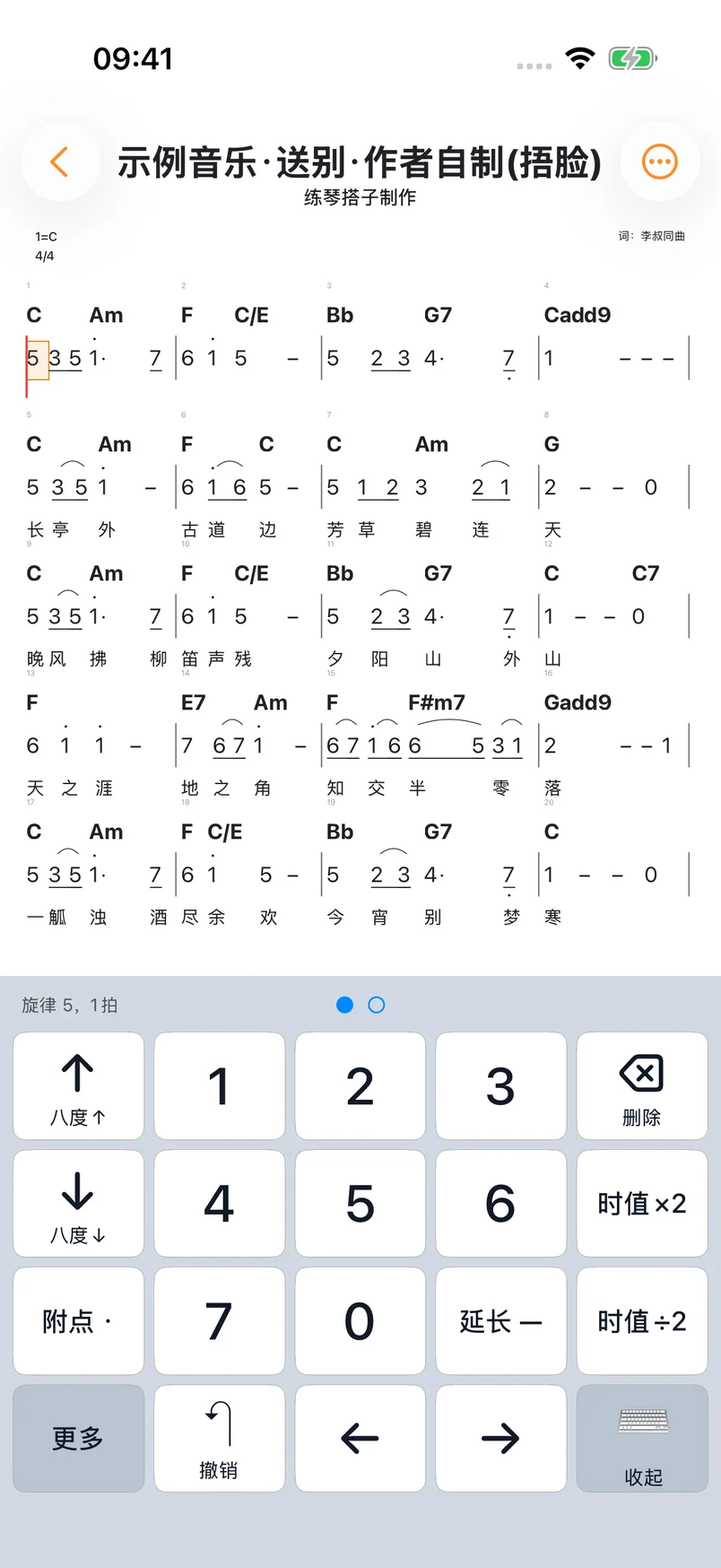
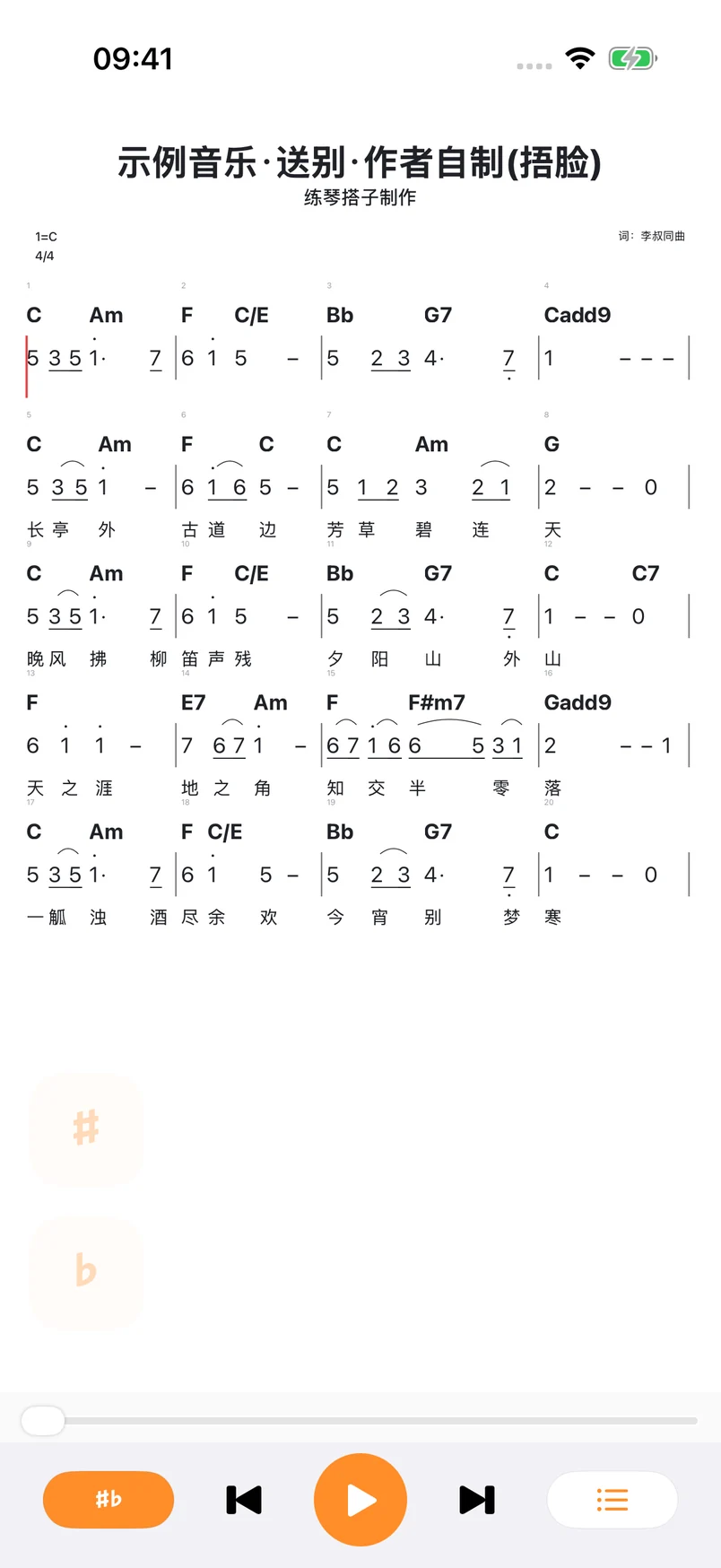
Recognize a single numbered notation image, compare it with the original and edit notes, durations, lyrics and chords. Add or remove measures, transpose, listen and share.
On-device recognition with the original alongside
Edit notes, lyrics and chords
Transpose, listen and share
Recorded in the iOS app: open melody and chord keyboards to edit the bundled Songbie score. The interface is in Simplified Chinese.
TAKE A MOMENT. MAKE SOME MUSIC.
From your first note to the whole song.
The tools you need to make practice feel like playing.
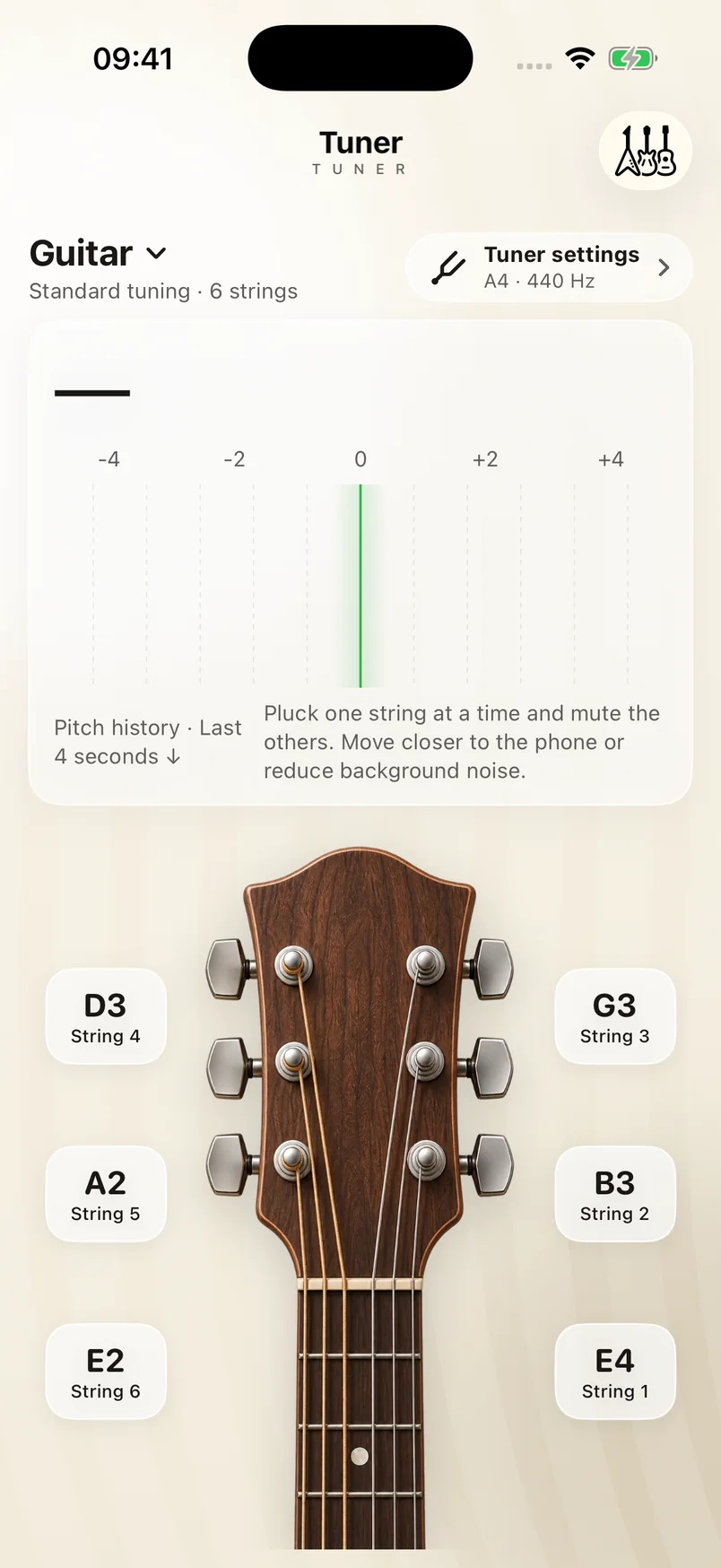
02 / Tuner
Start in tune.
See how sharp or flat you are, or tune by ear with a reference note. Get your guitar, bass, ukulele or violin ready to play.
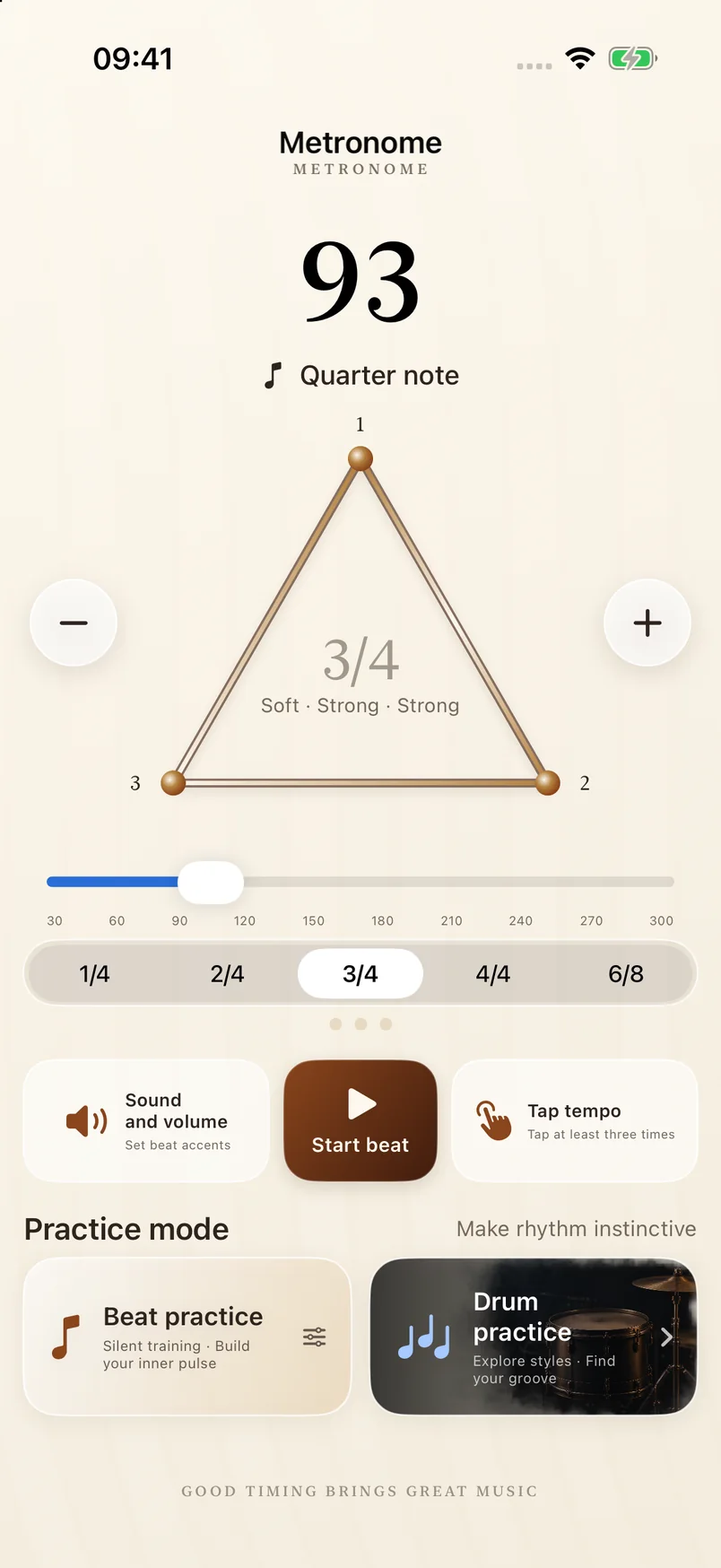
03 / Metronome
Find your rhythm. Keep it steady.
Set the tempo, time signature and accents for a beat you can count on.
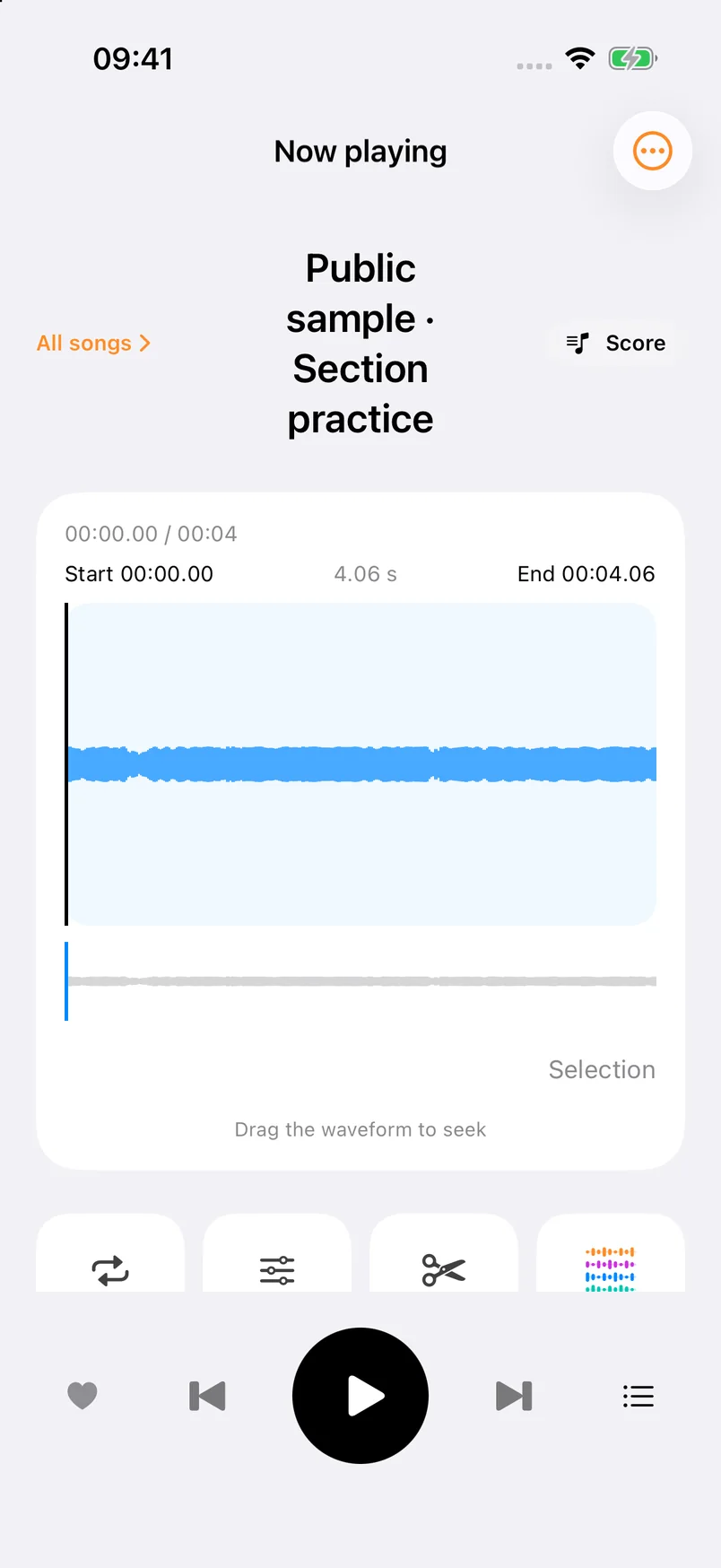
04 / Player
Make the tricky parts click.
Import a song or record yourself. Loop a section, slow it down or change the key, then work through it at your own pace.
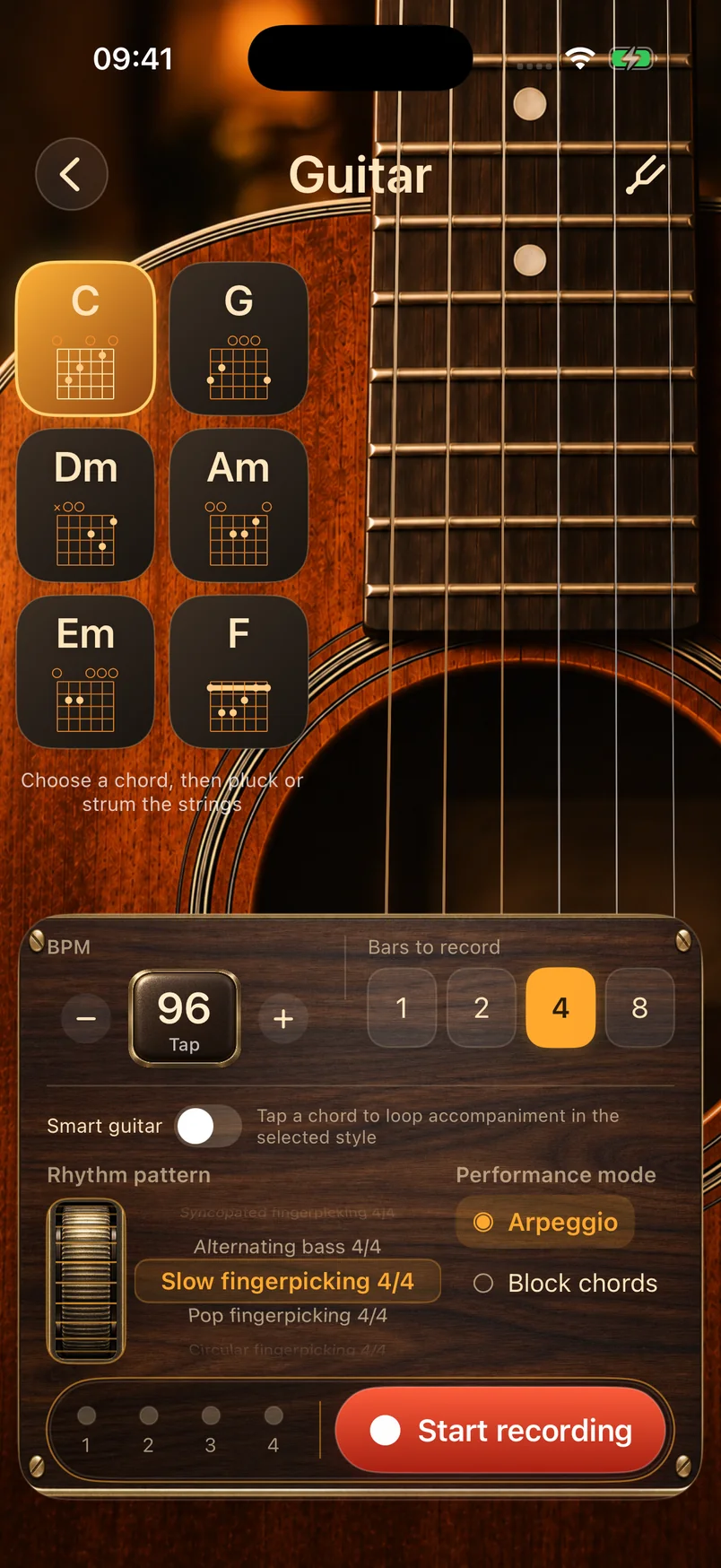
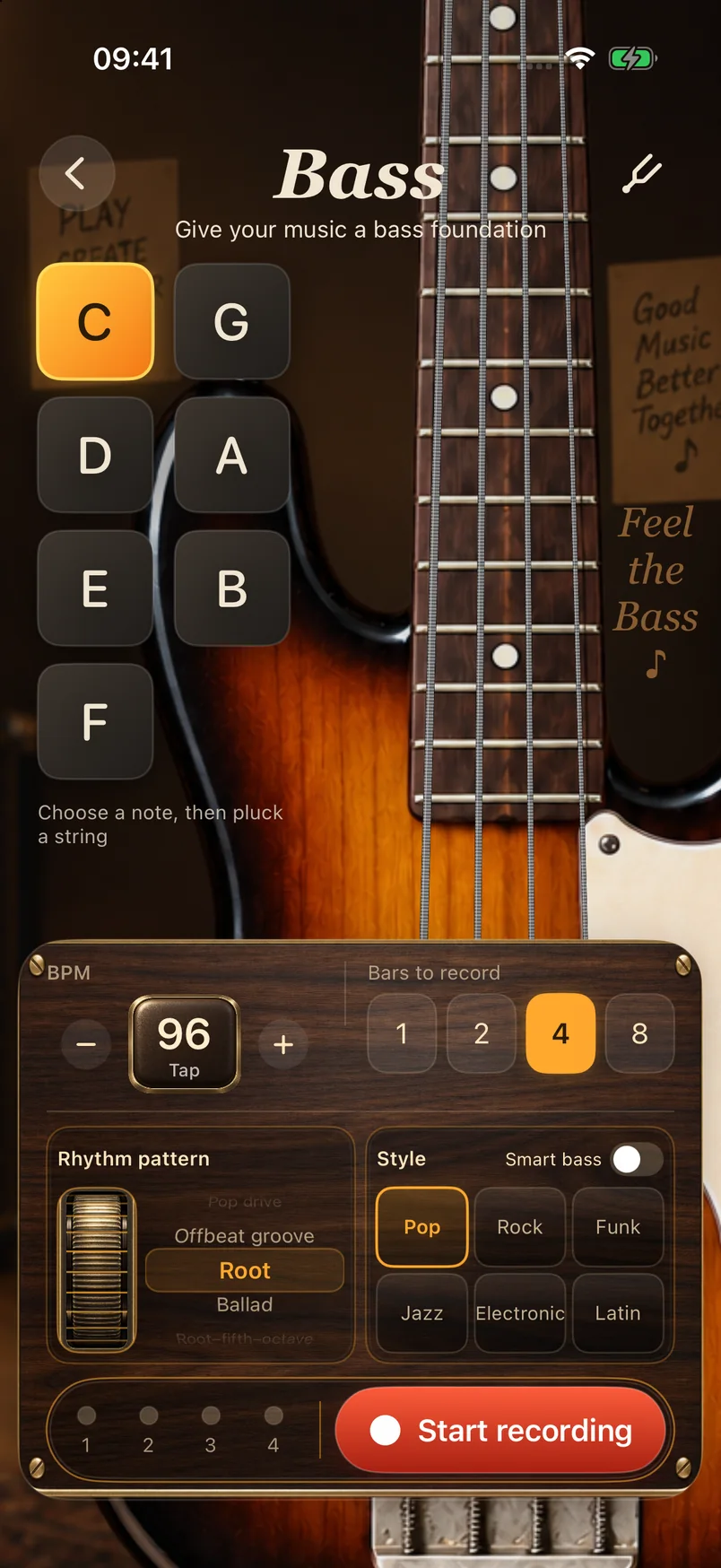
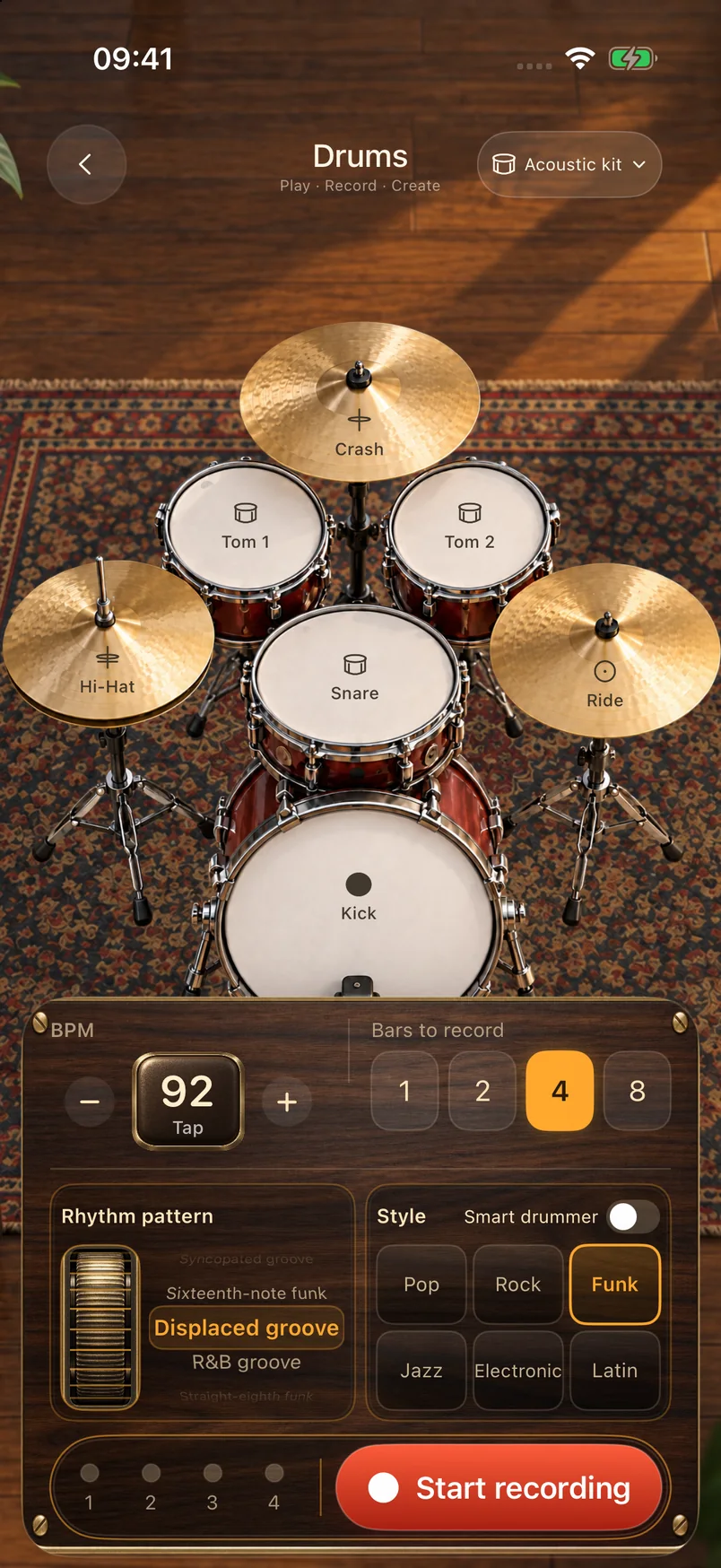
05 / Virtual instruments
Catch an idea while it’s fresh.
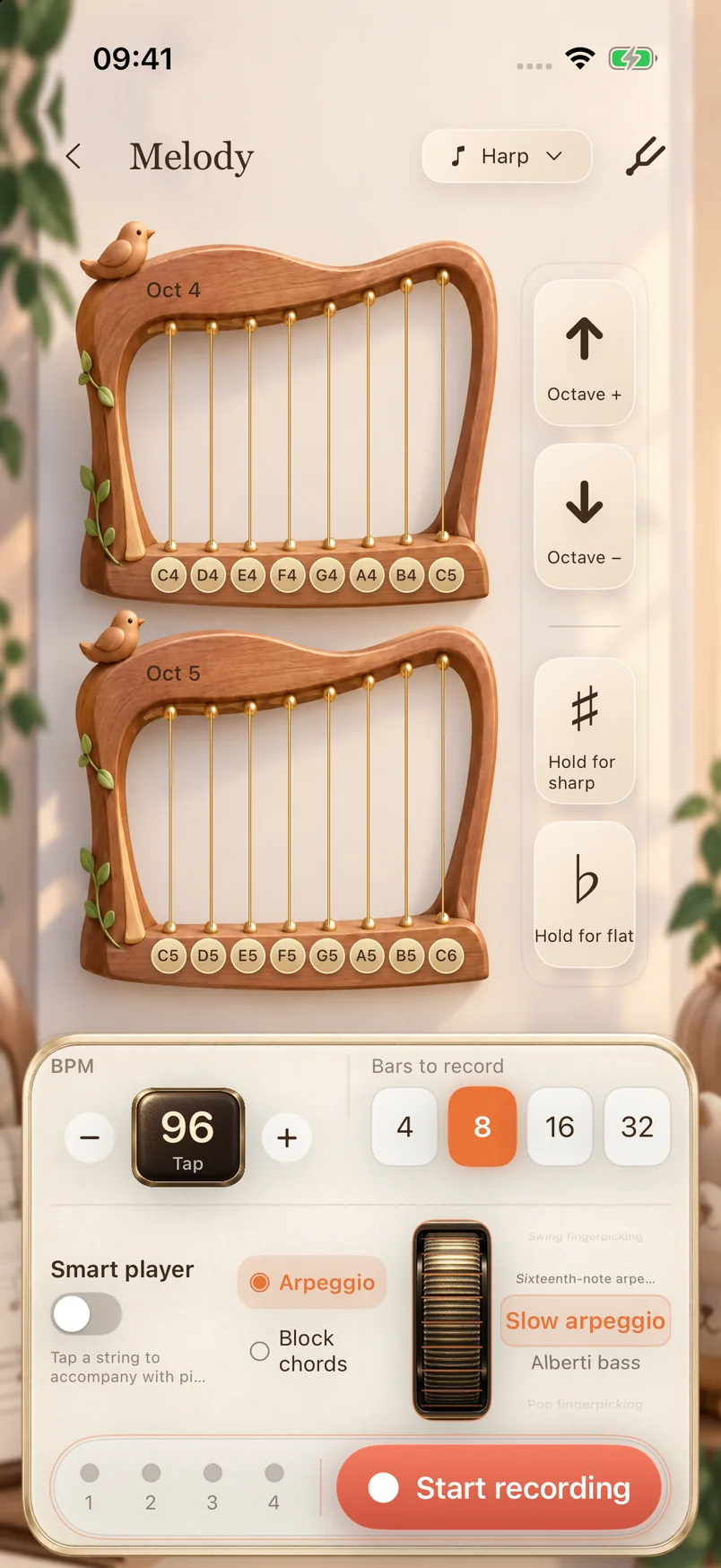
Strum a guitar, play a bass line, tap out a beat or try a melody on the harp. Record a phrase so you can come back to it.
Guitar
Bass
Drums
Harp
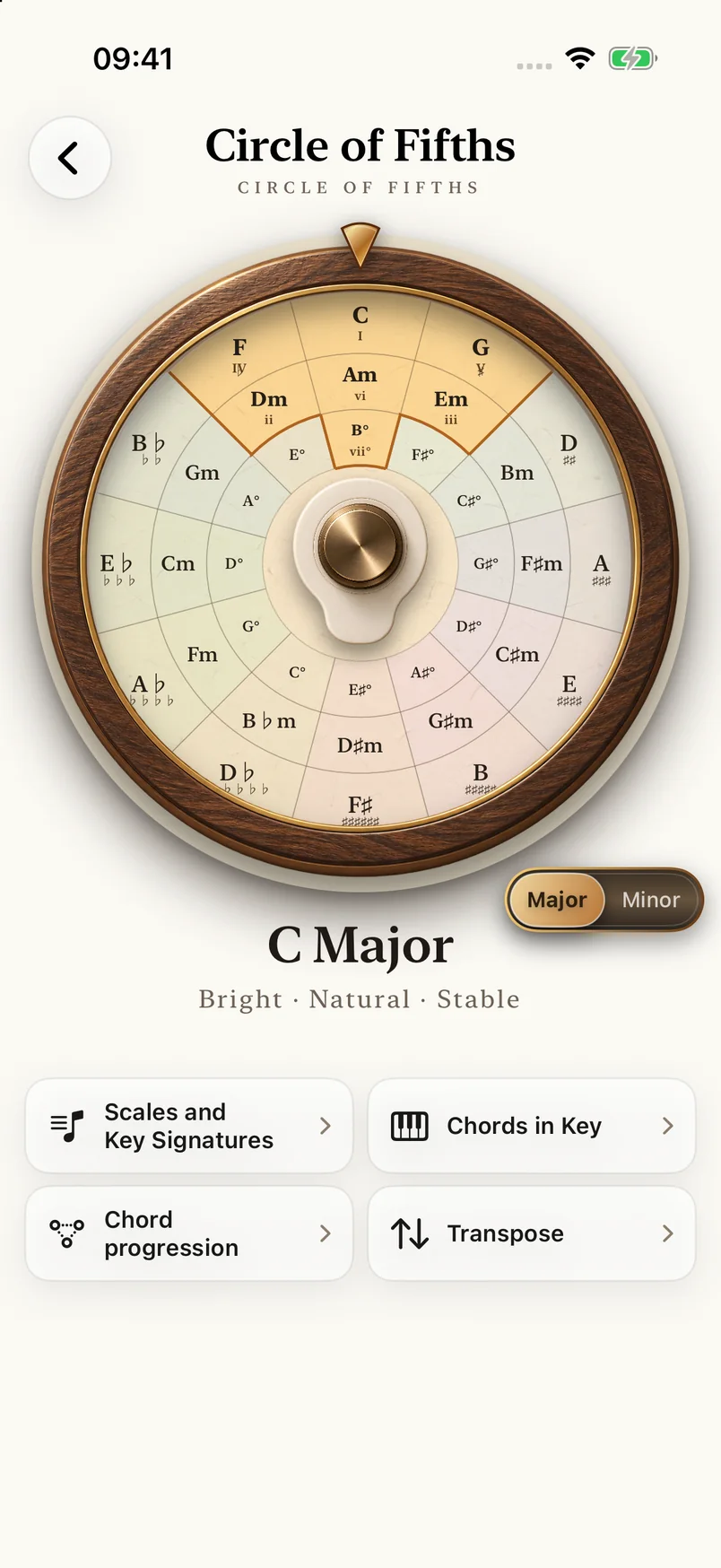
06 / Circle of fifths
Make sense of what you hear.
Explore keys, scales and chord progressions with an interactive circle of fifths. Hear the connections behind the theory.
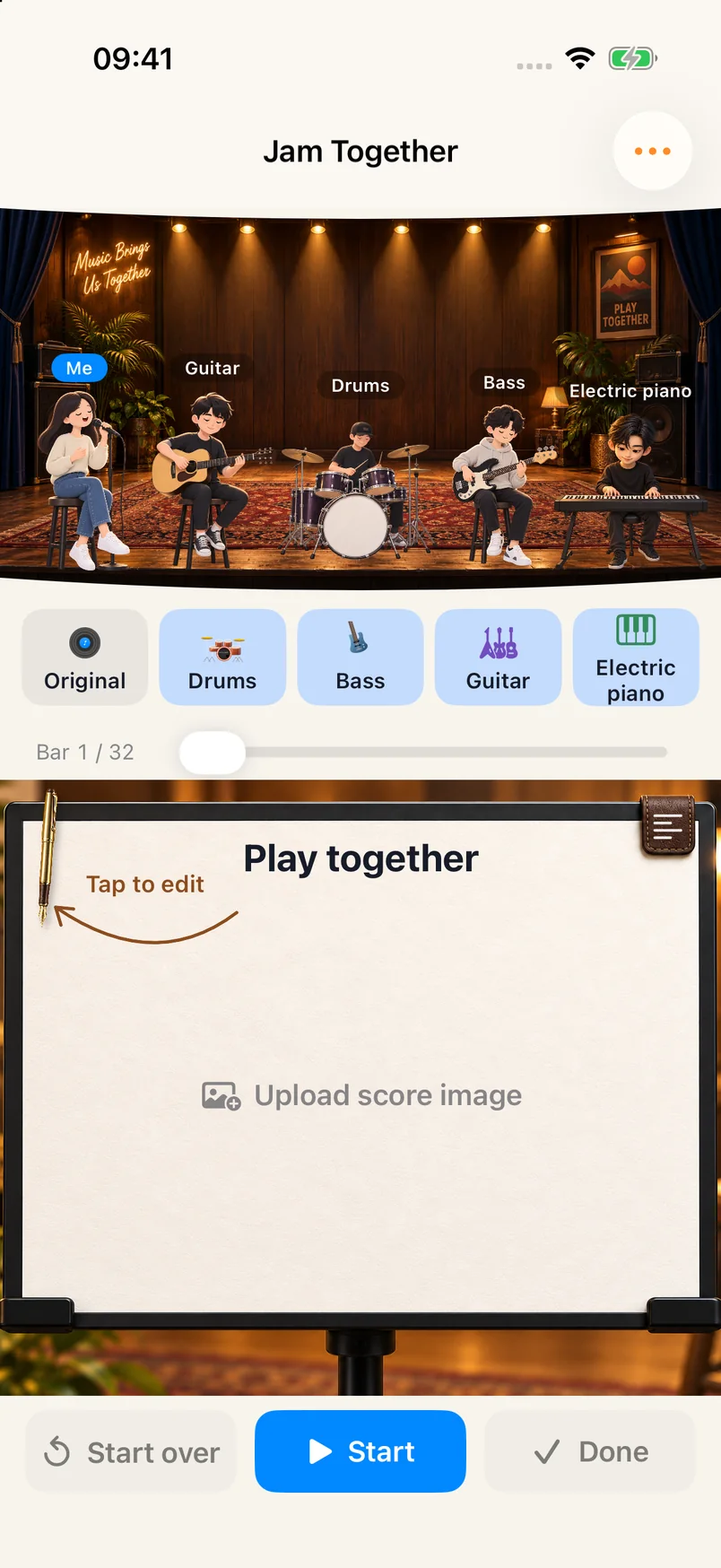
07 / Jam together
A band in your pocket.
Build a backing track from drum, bass, guitar and melody phrases. Play along and record your take.
08 / YOUR SHEET MUSIC
A whole collection, ready to practice.
Import multiple photos or PDFs, keep multi-page scores, organize songbooks and tags, then search, turn pages, zoom and annotate.
Songbooks, search and tags
Multi-page reading and landscape spreads
Share or export annotated PDFs
Sheet music librarySongbie score
Screenshots from the English version of the iOS app.
Choose your version
The Android release is now available on Google Play and as website APKs, alongside the iOS App Store and HarmonyOS Huawei AppGallery releases.
Android
Available on Google Play; two website APK editions · 0.4.27
Mainland China and International editions share local music features, with different payment channels. Android 8.0+, ARM64 phones only.
iOS / iPadOS
Available on the App Store
Download from the App Store. iOS / iPadOS 17+.
HarmonyOS
Available on Huawei AppGallery
HarmonyOS 5+ · Current version 1.0.5. Download 练琴搭子 (TakeAndJam) from Huawei AppGallery. Features depend on the current store release.